Read a little. Learn a lot. • Now Mullenweg-free! • Since 2009
☰

Tag: tumblr themes

2 posts

May 6 2014t

A thing you’d love to do: customize the way your blog looks in the Tumblr mobile apps. Now you can do that. A…

staff:

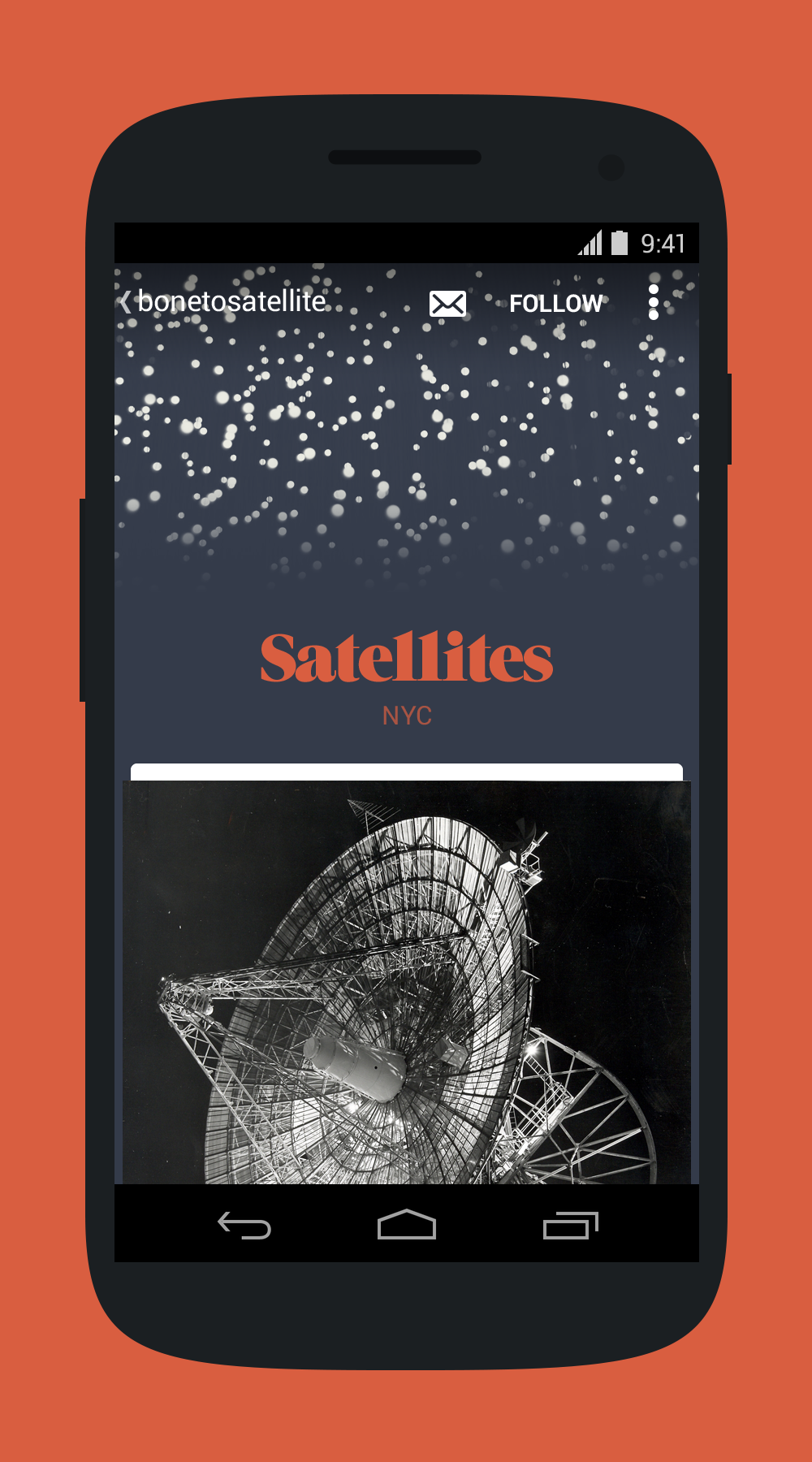
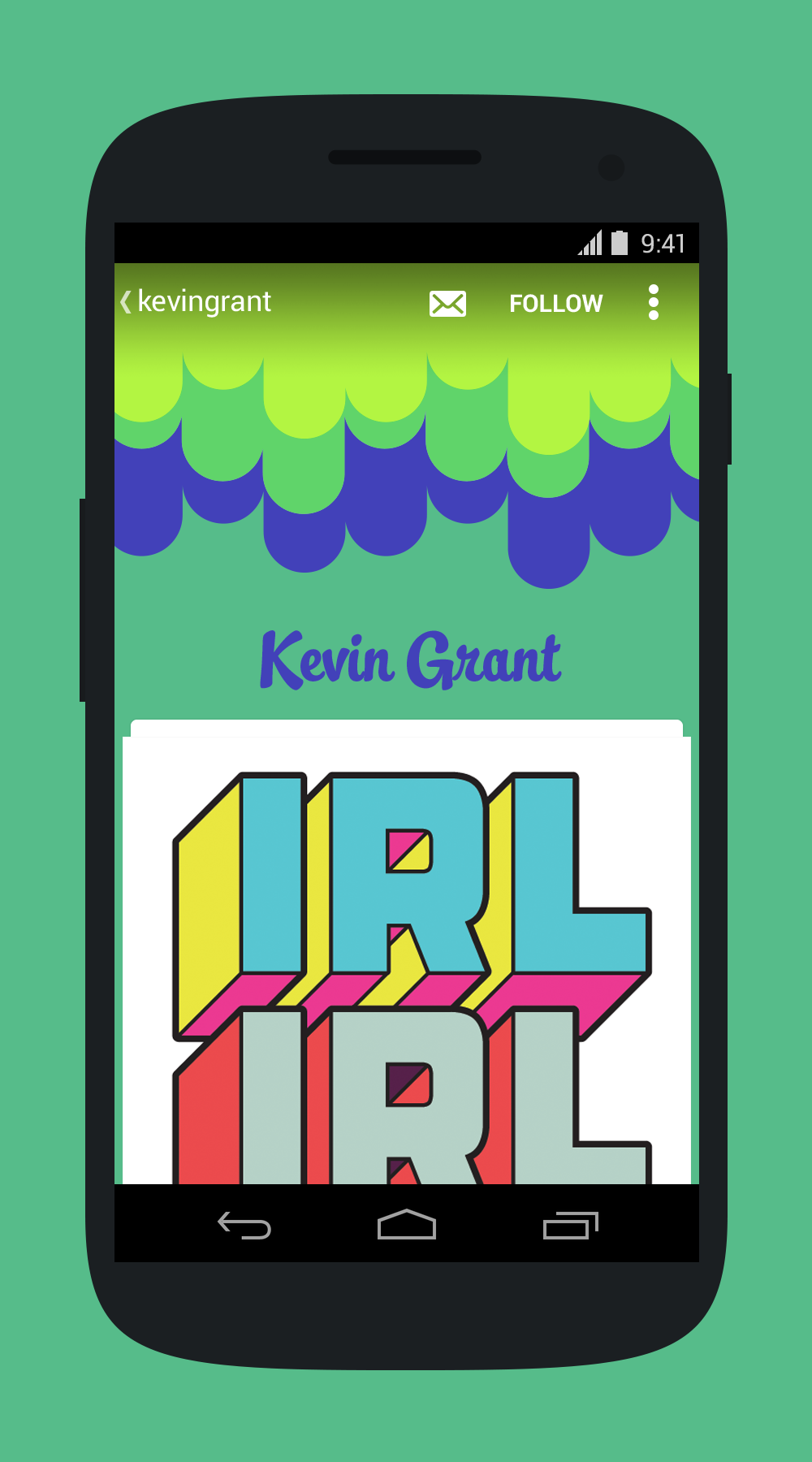
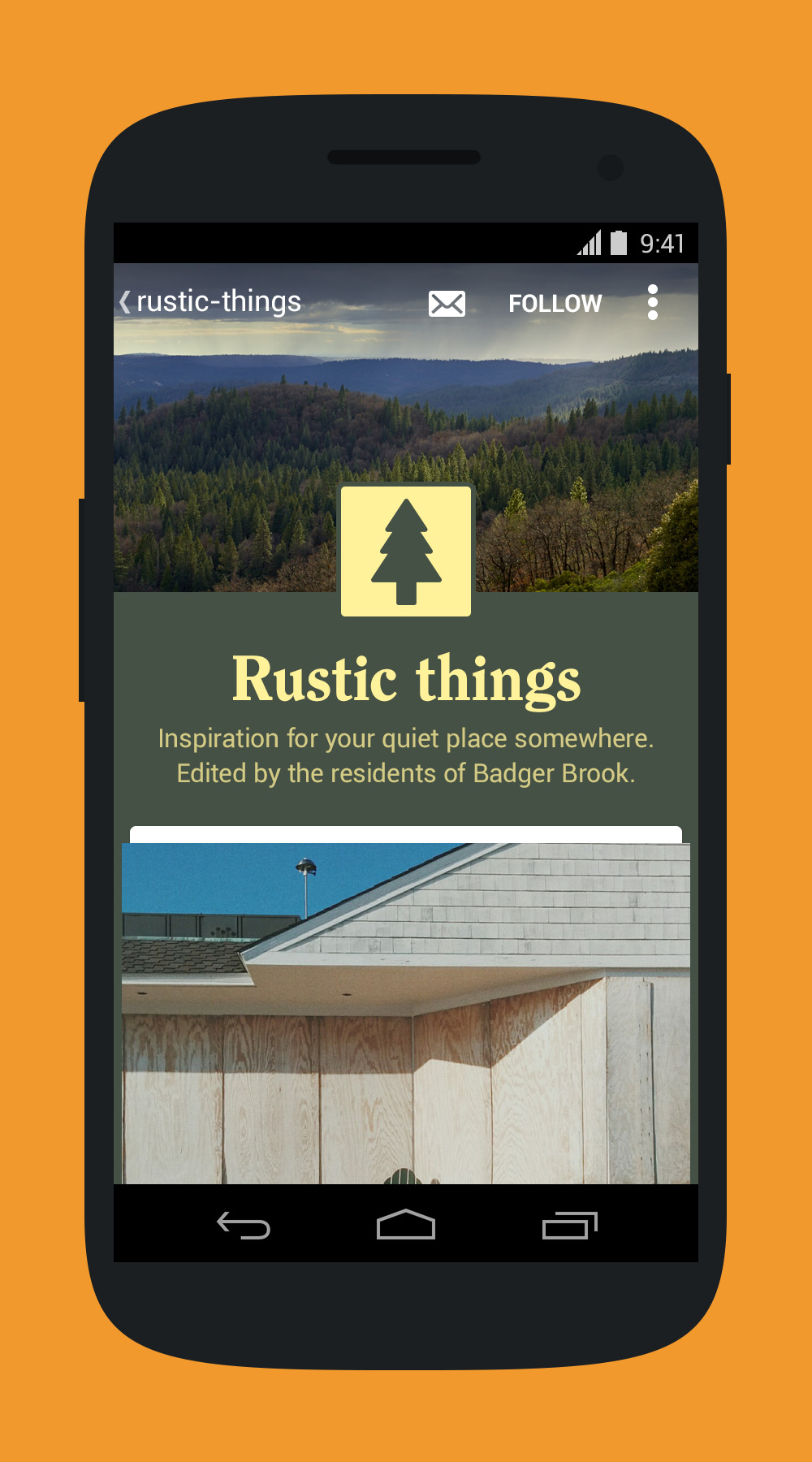
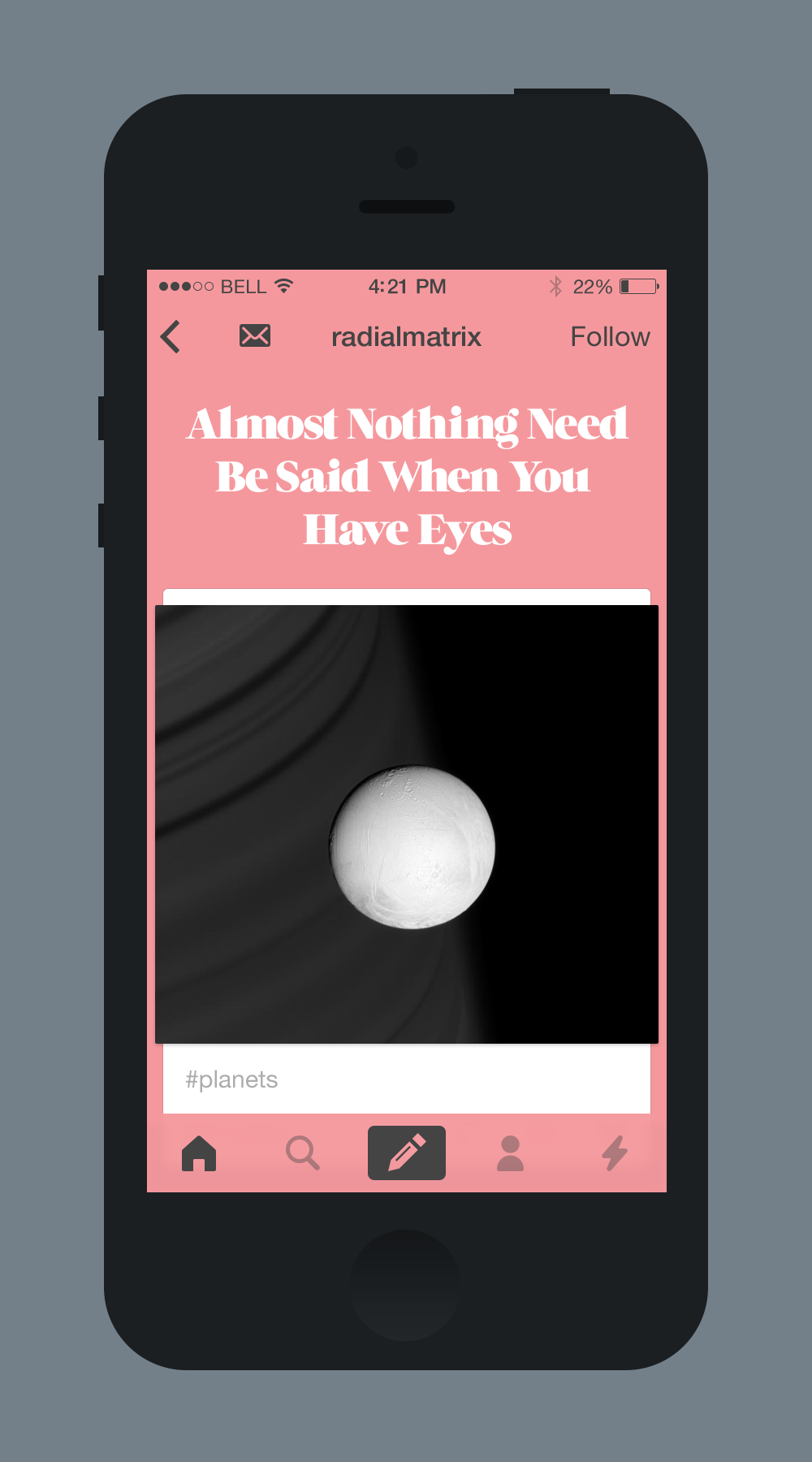
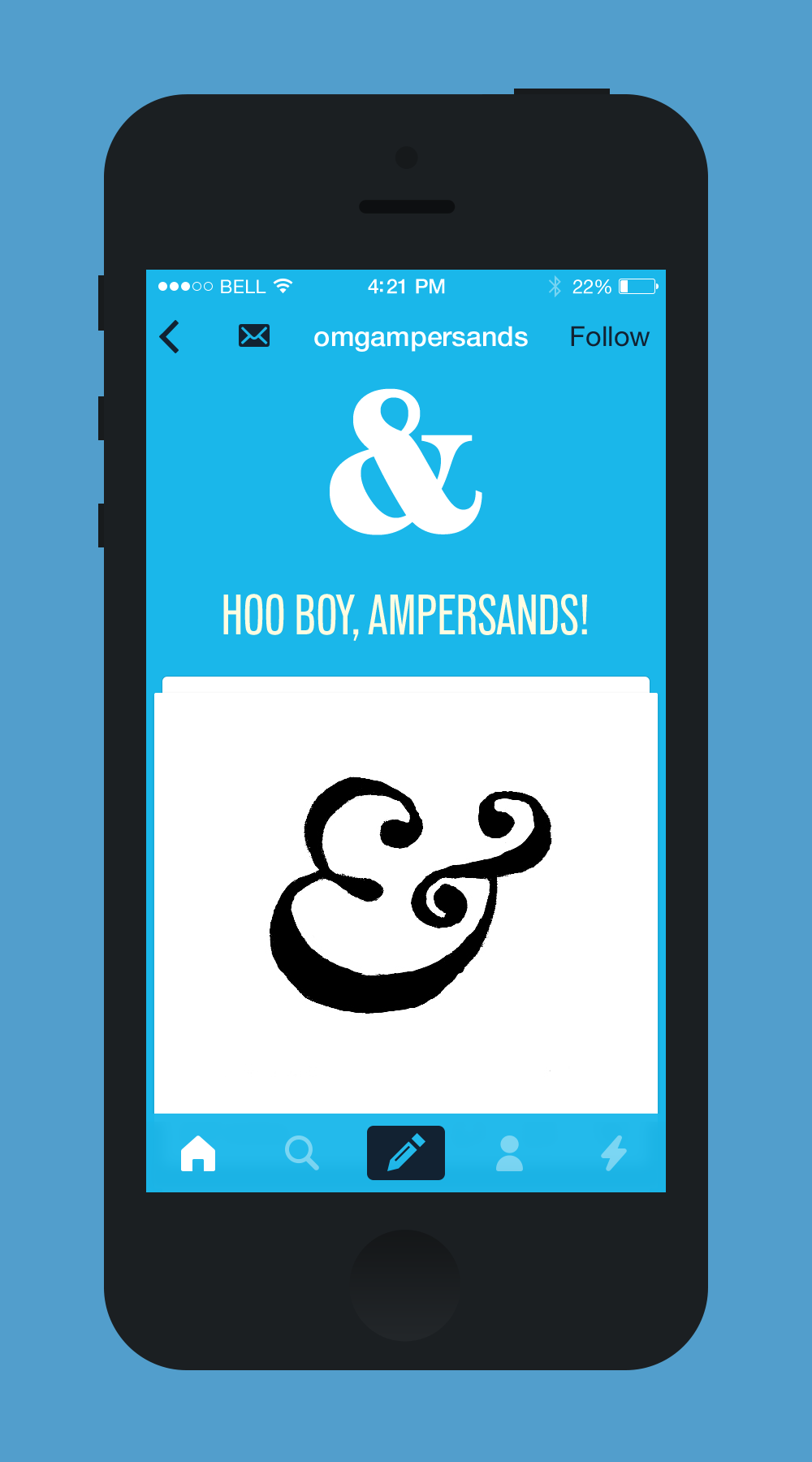
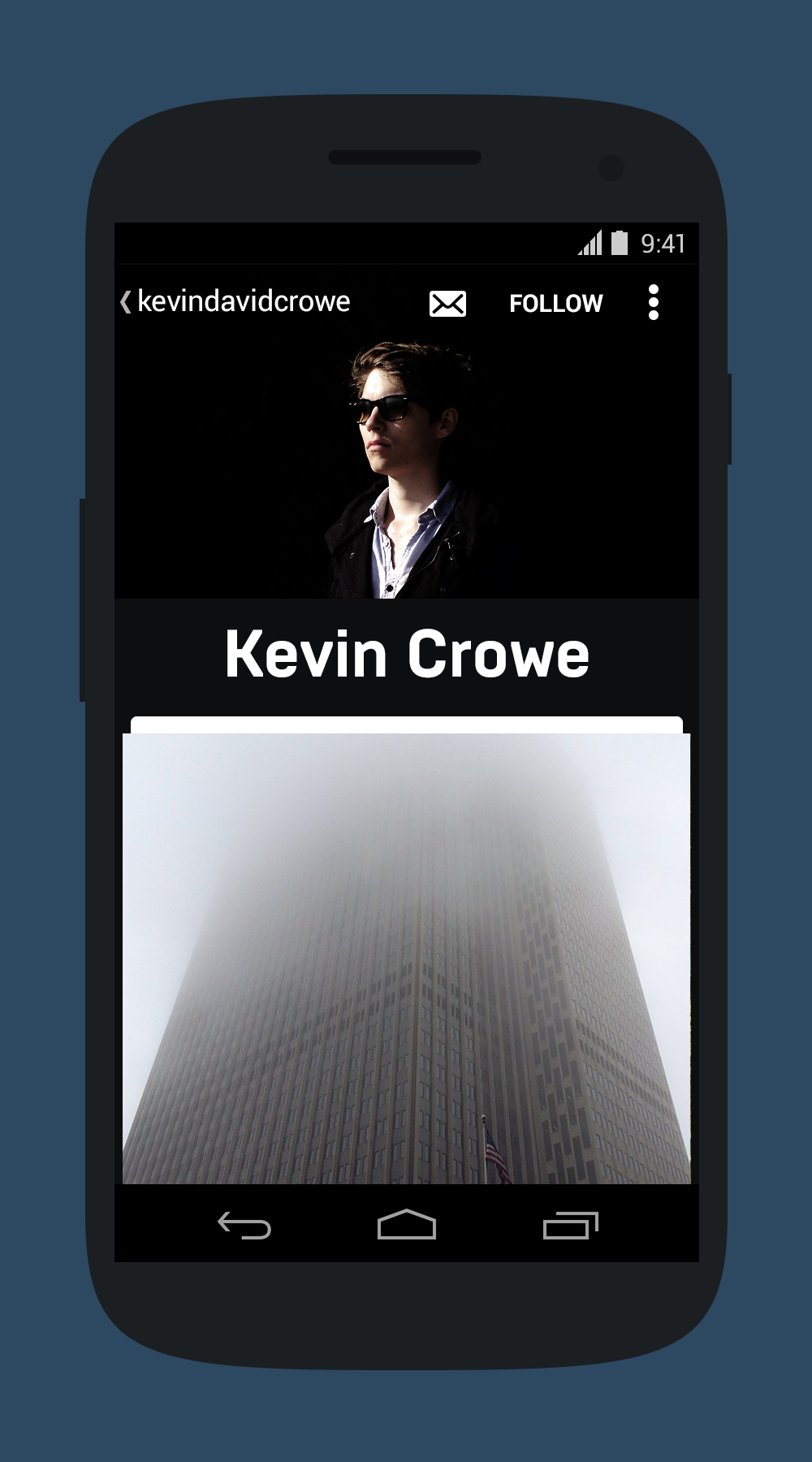
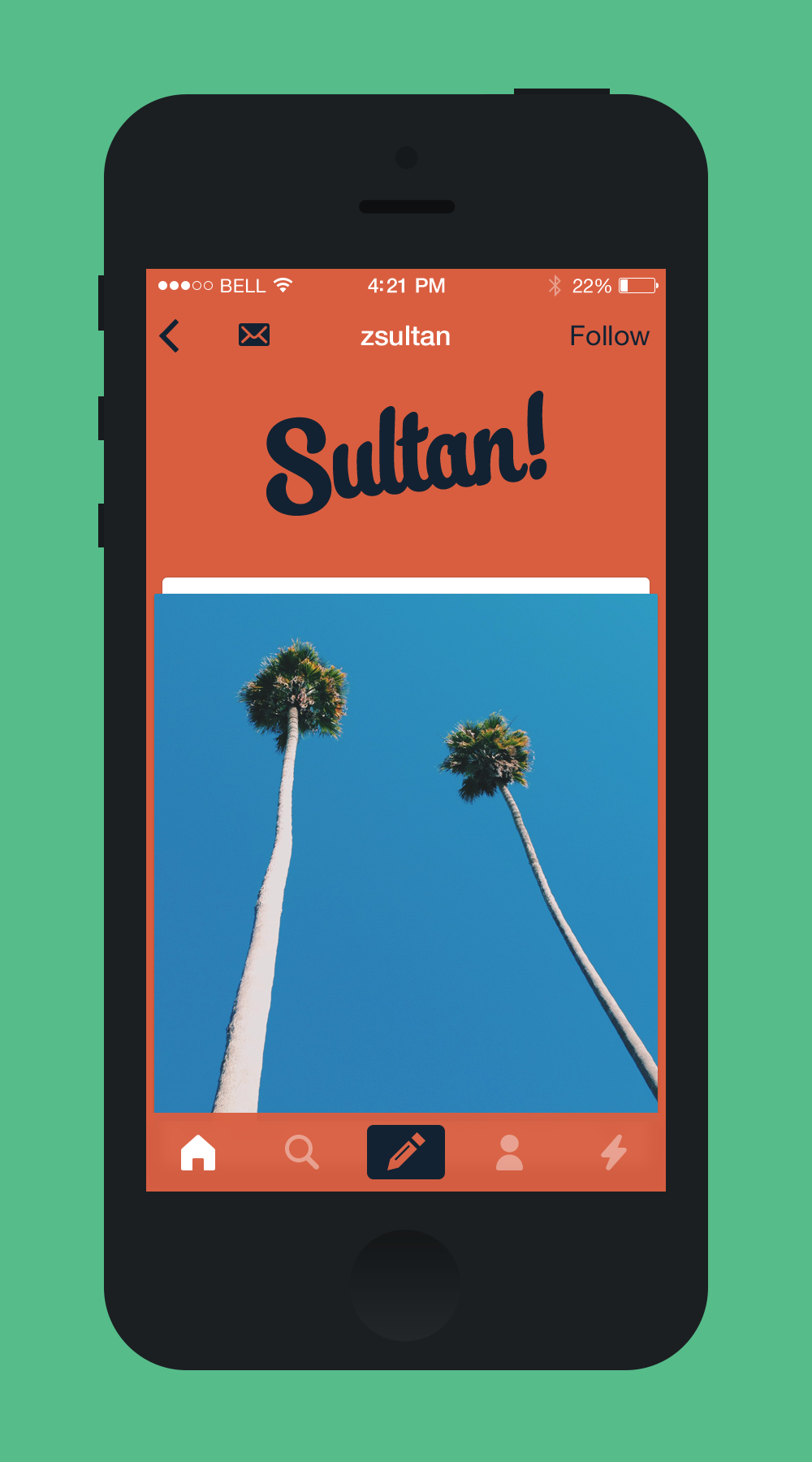
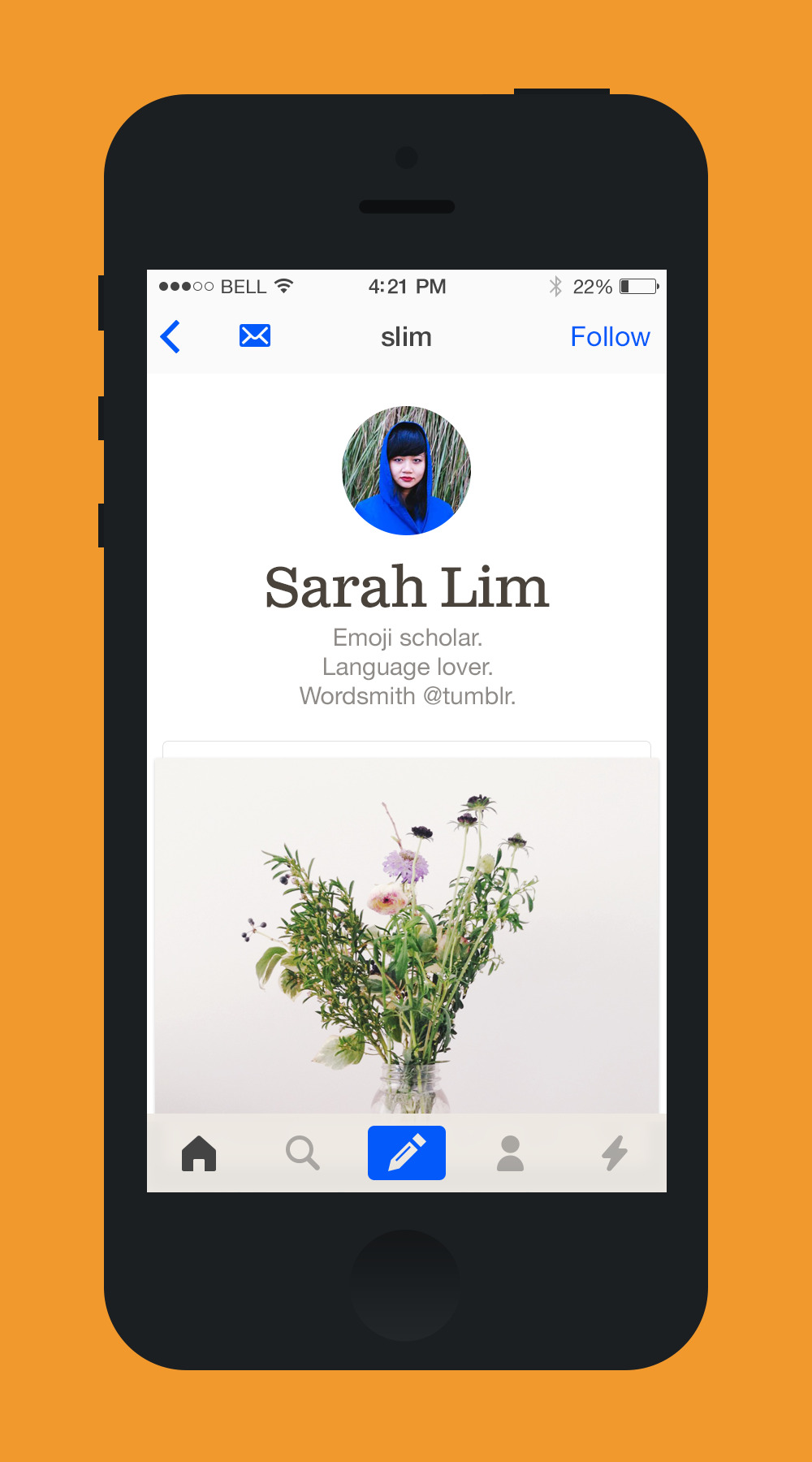
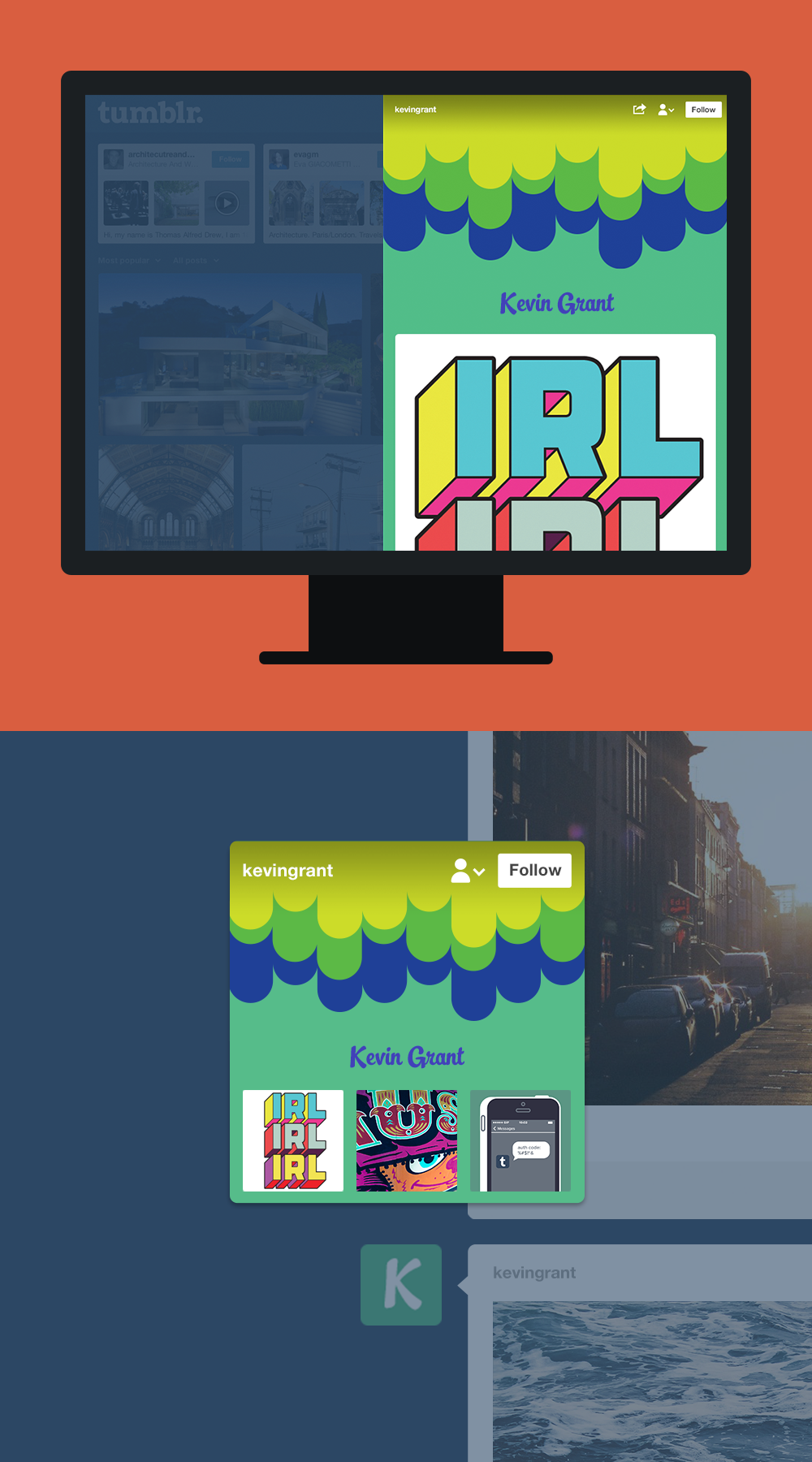
A thing you’d love to do: customize the way your blog looks in the Tumblr mobile apps. Now you can do that. A header image, a multitude of fonts, an infinity of colors. A bunch of other things. You’d discover 3.3 billion combinations if you were foolish enough to count them.

Better still: the choices you make will apply to your appearance in the Dashboard. Hover over an avatar. Now look. See? The beauty of a blog is delighting your eyes.

Get the new app (iOS, Android), or visit the Settings page from your Dashboard, and make yourself as beautiful as you possibly can. Or make yourself look like a weirdo. Whatever you want. It’s not up to us. Have fun.

Well, this is exciting. Here’s our take:

Posted by Ernie Smith • Permalink

May 11 2013t

This somehow skipped our radar,

staff:

ATTN: fantastic theme developers!

Tumblr users can now interact with posts straight from the blog index and permalink pages on your theme! This is super exciting news! Previously blog visitors could only like or reblog posts through the controls in the corner of post permalinks.

All you have to do is incorporate our new Like and Reblog buttons anywhere in your design — we’ll take care of the rest.

If you’ve been using other methods to add this functionality to your themes, you’ll need to update to the latest code. Visit our updated Theme Developers documentation for more information.

Want to learn how to create your own custom theme or help invent new ways to use Tumblr with our API? Check out our Developer Center!

This somehow skipped our radar, but seems worth noting, especially considering that there wasn’t previously a way to do this for six years. We just threw them on SFB, so like and reblog to your heart’s content!

Posted by Ernie Smith • Permalink